
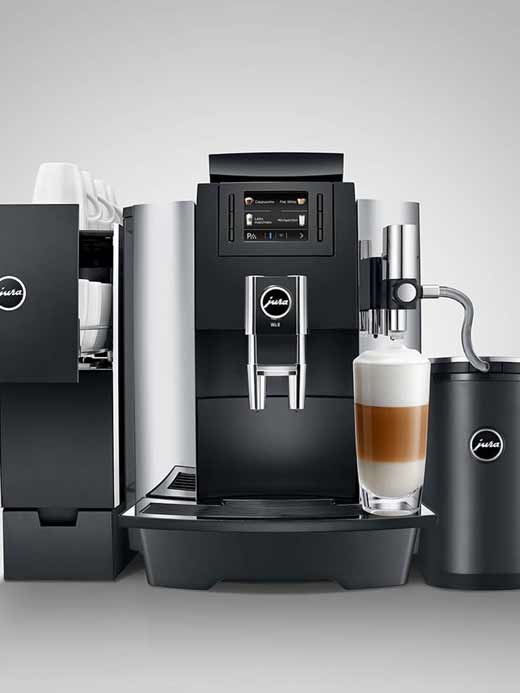

After 180 preparations or 80 ignition rinses, the GIGA requires cleaning.
The use of unsuitable detergents can lead to machine damage and residues in the water.
The cleaning program takes approximately 20 minutes. Do not interrupt the cleaning program. This will compromise the quality of the program.
JURA cleaning tablets are available from Cafés Van Hove.
Tip before you start cleaning
- Switch off the machine using the On/Off button Q and disconnect the mains plug.
- Remove the drip tray and coffee grounds container, and then look inside the machine for the grounds pallet (flexible, allowing the grounds to be ejected directly into the drip tray).

- Reach behind this part with a dry cloth and pull it up to clean the round, metallic sieve.

- After these steps, switch the coffee machine back on and run a cleaning cycle using the detergent tablet (round), repeating this cycle a second time if necessary.
Cleaning the machine
Condition: "Cleaning" is displayed in the Cockpit.
-
Fill the water tank
-
Press "Cleaning".
-
Press "Start". "Empty coffee grounds container / Empty drip tray
-
Empty the drip tray and coffee grounds container, then replace them.
-
Place a container under the combination drain.
-
Press "Next"." Machine cleaning", water flows from the combination drain. The operation stops, "Insert detergent tablet".
-
Open the lid of the ground coffee filler funnel.
-
Add a JURA cleaning tablet to the filling funnel.
-
Close the filler funnel lid.
-
Press "Next". If you press "Machine cleaning", water flows repeatedly from the combination spout. "Empty coffee grounds container" / "Empty drip tray".
-
Empty the drip tray and coffee grounds container, then replace them. "Cleaning

The home screen appears.
